
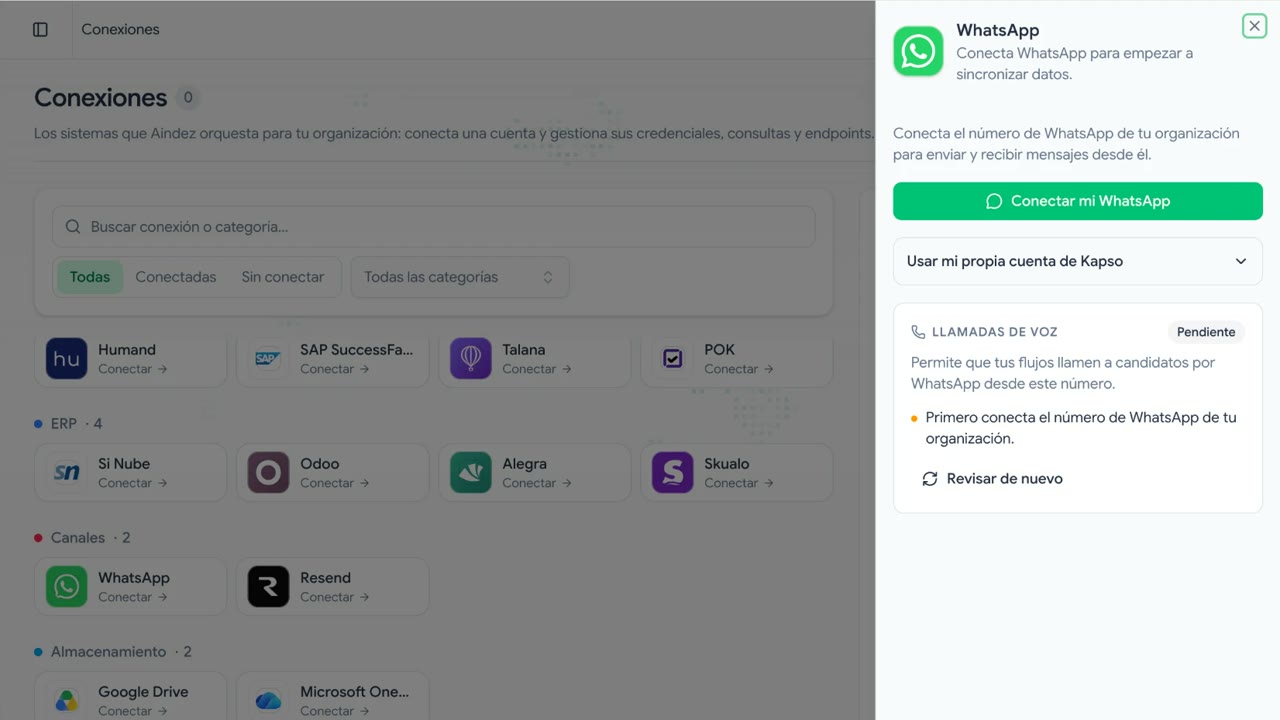
In June, connecting your WhatsApp number meant copying API keys and IDs. Now you don't need to know any of that: all it takes is access to your organization's Meta account.
Here's how it works, step by step.
1 · Tap "Connect my WhatsApp"
In Connections you open WhatsApp and tap "Connect my WhatsApp". Aindez takes you to a guided flow to set up the number.
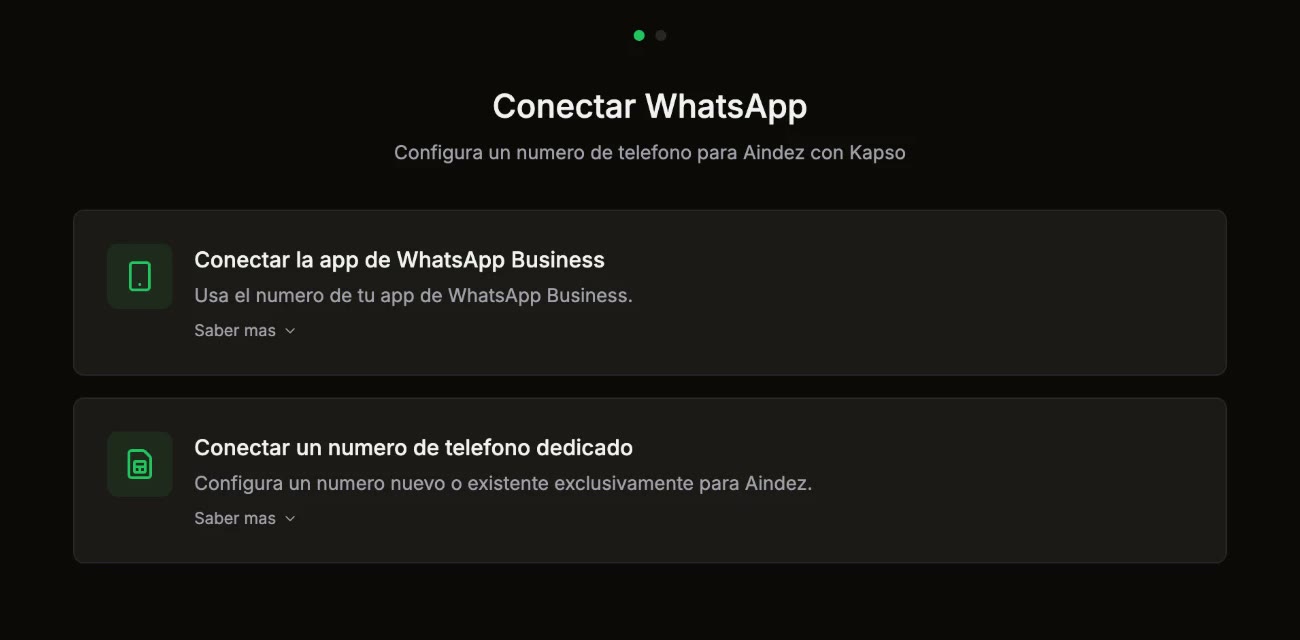
2 · Choose which number to use
You can use the number from your WhatsApp Business app, or a dedicated number, new or existing, just for Aindez.
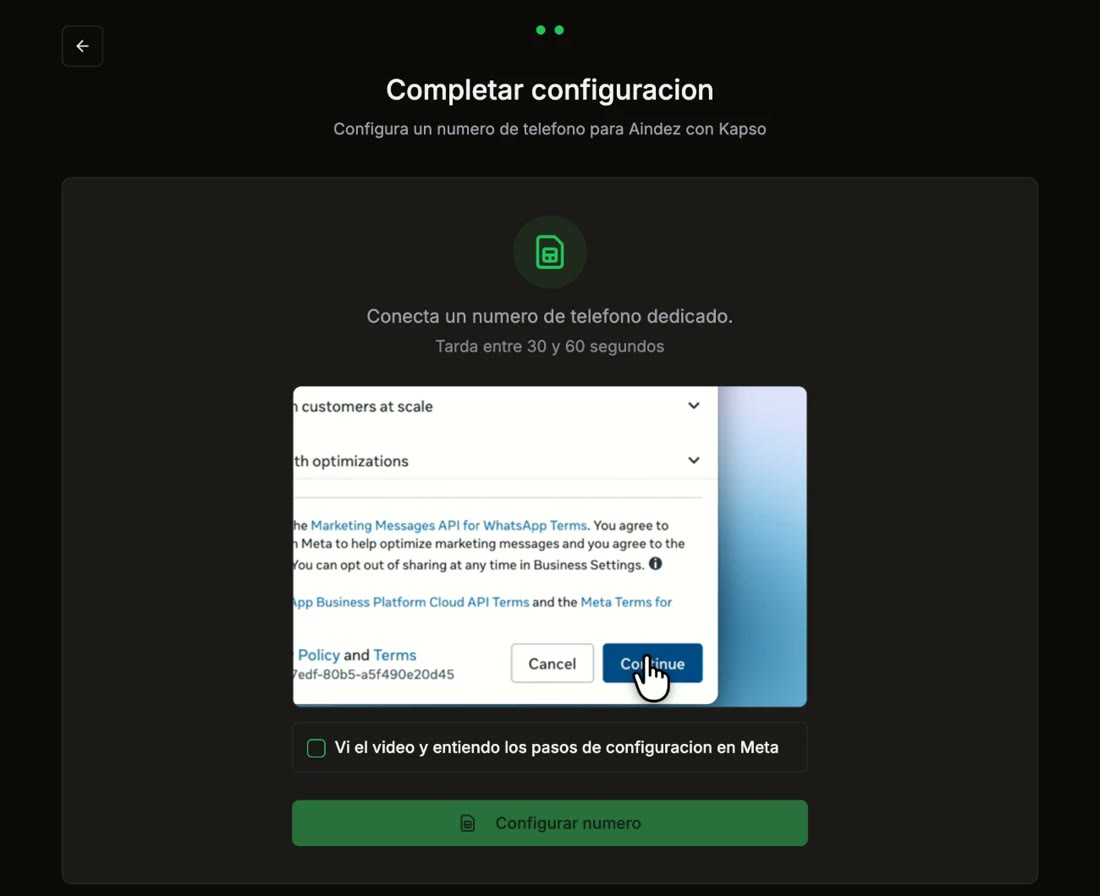
3 · Confirm in Meta and you're done
You sign in with your Meta account and accept the permissions. It takes 30 to 60 seconds. From then on, the messages Aindez sends through your processes go out from your number, and replies reach your organization.
How we do it
- No keys or IDs: just your Meta account.
- In under a minute, from Aindez.
- Every incoming message goes to its organization, based on the number that receives it.
In technical terms
- The guided flow uses Meta's embedded signup: you authorize, and the number is linked without copying credentials.
- We verify with an HMAC signature that the number's sign-up notice is authentic.
- The number that receives each message defines the organization, so nobody from another organization reaches your agent.
Connecting WhatsApp stops being a technical task: anyone with access to the Meta account can do it.